AI کے ساتھ فوری، بہتر پریزنٹیشنز
نمایاں پریزنٹیشنز جو آپ کے سامعین کو منٹوں میں مشغول کر دیں۔

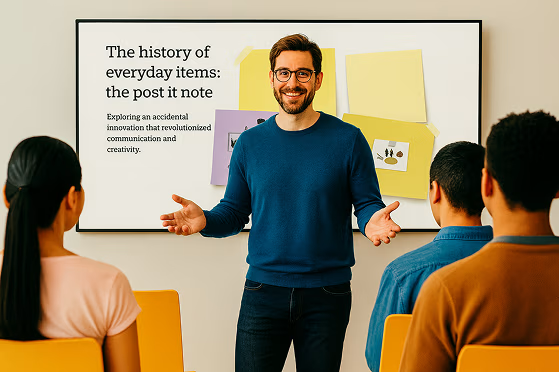




آئیڈیا سے لے کر پریزنٹیشن تک، بغیر کسی پریشانی کے
جرات مندانہ آئیڈیاز پیش کریں، توجہ حاصل کرنے والی بصریات تخلیق کریں، اور کسی بھی خیال کو Prezi AI کے ساتھ حقیقت میں بدلیں۔
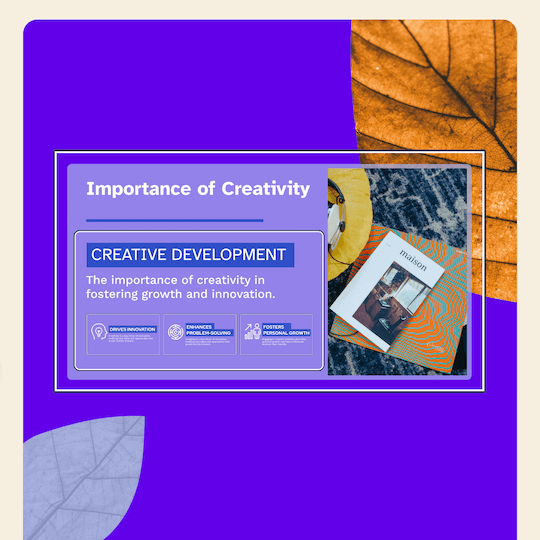

AI کے ساتھ ڈیزائن کریں
ایک پرامپٹ درج کریں اور مکمل پریزنٹیشن حاصل کریں۔

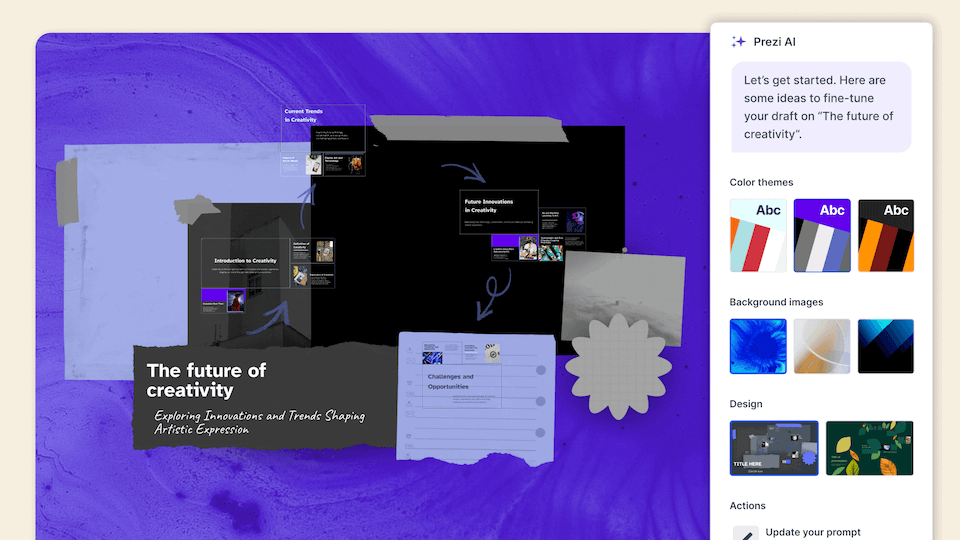
ماہرانہ مشورہ
ہر مرحلے پر AI کی جانب سے ذاتی نوعیت کی تجاویز۔

کسی بھی چیز کو بصری شکل دیں
AI کی حسبِ ضرورت ٹیمپلیٹس آپ کو بہترین آغاز فراہم کرتی ہیں۔

وہ سب کچھ جو آپ کو اپنی مرضی کی چیز بنانے کے لیے درکار ہے
شاندار پریزنٹیشنز بنائیں، لے آؤٹس، اثاثہ جات، اور AI معاونت کے ساتھ جو تخلیق کو پہلے سے کہیں زیادہ آسان بنا دیتی ہے۔
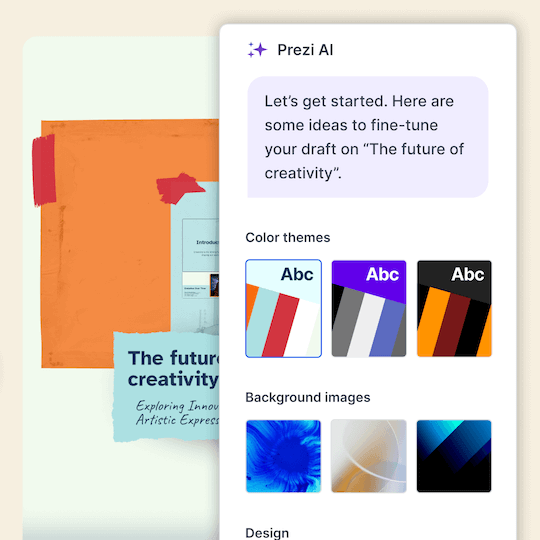

مواد کو تبدیل کریں
اپنا پرامپٹ درج کریں اور مکمل پریزنٹیشن حاصل کریں۔

اسے بہترین طریقے سے دکھائیں
1M+ تصاویر، GIFs، اور مزید کسی بھی آئیڈیا کو بصری شکل دینے کے لیے۔

خوبصورتی سے ڈیزائن کریں
فریم ڈیزائن جو خوبصورت نظر آتے ہیں اور پریزنٹیشن کو آسان بناتے ہیں۔

ہجوم میں نمایاں رہیں
بورنگ پریزنٹیشنز کو پیچھے چھوڑیں اور اپنے سامعین کو متحرک اور دلکش پریزنٹیشنز سے متاثر کریں۔


ناظرین کو مشغول کریں
5 میں سے 4 کہتے ہیں کہ Prezi توجہ حاصل کرنے میں زیادہ مؤثر ہے۔*

کسی بھی ترتیب میں منتقل کریں
براہ راست اس چیز تک جائیں جو آپ کے سامعین دیکھنا چاہتے ہیں۔

کہیں بھی پیش کریں
Prezi Video آپ کو اور آپ کے مواد کو ایک ساتھ اسکرین پر پیش کرتا ہے۔


5 میں سے 4
کہتے ہیں کہ پریزی ان کے سامعین کی توجہ حاصل کرنے میں زیادہ مؤثر ہے۔

4 میں سے 3
کسی ساتھی کو پریزی تجویز کرے گا۔

91%
کہتے ہیں کہ پریزی نے اُن کی کام کے نتائج کو مثبت طور پر بہتر بنایا ہے۔
ان تنظیموں کا اعتماد حاصل ہے جو بہترین پریزنٹیشنز کی طاقت کو جانتی ہیں





دیکھیں کہ ہمارے صارفین ہمیں کیوں پسند کرتے ہیں
Prezi سینکڑوں شاندار کسٹمر جائزوں کی بنیاد پر صنعتوں میں توجہ حاصل کرنے والی پریزنٹیشن کی سرکردہ کمپنی کے طور پر درجہ بندی کرتا ہے۔
AI-first پریزنٹیشنز کا مستقبل یہاں ہے۔
اکثر پوچھے گئے سوالات
What is Prezi’s AI presentation maker?
Prezi AI is an AI presentation maker that helps you create a complete, polished presentation from a prompt or uploaded file, like a PDF, PPT, or DOC. It generates a structured draft with suggested slide titles, key points, and design theme so you can move from idea to presentation faster.
Prezi کا AI پریزنٹیشن ڈیزائنر کیسے کام کرتا ہے؟
Prezi's AI presentation designer turns your ideas into polished presentations effortlessly. After entering a prompt or uploading an existing file like a PDF or Word document, Prezi AI generates a complete presentation with customized layouts, frame designs, and visual elements. You can then make final tweaks with our AI image generator and text editor before presenting.
کیا Prezi مصنوعی ذہانت کے ساتھ پاورپوائنٹ (PPT) بنا سکتا ہے؟
Yes. If you want an AI PowerPoint presentation maker workflow, you can use Prezi AI to draft your presentation quickly and then export or share it in the format your team needs, like exporting to a PowerPoint.
کیا میں AI کے ساتھ موجودہ دستاویز کو پریزنٹیشن میں تبدیل کر سکتا ہوں؟
Yes. Prezi AI can help you create a presentation with AI from existing content. Add a prompt or upload content, and Prezi AI generates an outline and slide-by-slide draft with layouts and visuals you can refine. You stay in control and can edit text, reorder slides, and adjust design before presenting.
کیا Prezi ایک مفت AI پریزنٹیشن ٹول ہے؟
Yes, Prezi is available as a free presentation software with AI-powered features included. If you want unlimited access to Prezi AI, you can try a free trial or upgrade to a paid subscription. No matter which subscription you choose, you will be able to present with Prezi's unique format that makes content more engaging and memorable.
Prezi دوسرے AI پریزنٹیشن جنریٹرز سے کیسے مختلف ہے؟
While most AI presentation tools force your content into generic templates, Prezi AI takes a smarter approach. Based on your unique content, Prezi AI generates a presentation with custom design, colors, and images specifically tailored to your message, no templates required. Your content provides all the direction needed to create a truly personalized presentation.
میں Prezi AI کے ساتھ کس قسم کی پریزنٹیشنز بنا سکتا ہوں؟
With Prezi AI, you can create presentations for work, school, and personal projects, including pitch decks, reports, lessons, and slide presentations. If you are looking to make a presentation with AI for work or school, Prezi AI can help you draft faster and present more effectively.
کیا Prezi AI سلائیڈ کی ساخت اور بات چیت کے نکات میں مدد کرتا ہے؟
Yes. Prezi AI helps with the parts that take the most time, like organizing ideas into a logical flow and creating a consistent design.
کیا میں AI سے تیار کردہ پریزنٹیشن میں ترمیم کر سکتا ہوں؟
Absolutely. Prezi AI creates a draft, but you can fully edit it. Update the text, rearrange slides, and tailor the visuals so the final result matches your brand, audience, and goals.
کیا Prezi ٹیموں کے لیے AI کے ساتھ سلائیڈ ڈیکس بنانے کے لیے اچھا ہے؟
Yes. Prezi works well for collaborative workflows where multiple people need to review, refine, and align on messaging. If you’re looking for an AI presentation software that keeps presentations consistent across your organization with shared collaboration features and team-friendly controls, Prezi for Teams is an ideal solution.
بہترین AI پریزنٹیشن کے نتائج کے لیے مجھے پرامپٹ میں کیا شامل کرنا چاہیے؟
.For the best results, include your audience, goal, topic, tone, and any must-have points. Example: “Create a 10-slide deck for mid-market HR leaders about onboarding software, highlight three benefits, include a comparison slide, and a strong CTA.” For even more prompt examples, you can explore our AI prompt library to get inspired.
کیا Prezi AI ان ابتدائی افراد کے لیے موزوں ہے جو پریزنٹیشن ڈیزائن میں نئے ہیں؟
Yes. Prezi AI is built to help beginners get a high-quality first draft quickly, with suggested structure and slide content. It reduces the time spent figuring out what to say and how to organize it, so you can focus on accuracy and delivery.