使用 AI 更快速製作更好的簡報
在幾分鐘內打造吸引觀眾的出色簡報。
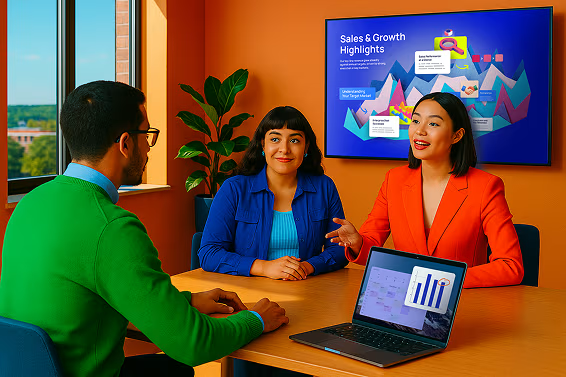





使用 AI 設計
輸入提示即可獲得完整簡報。

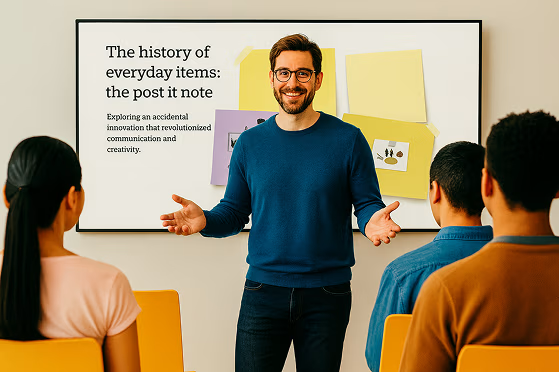
專家建議
AI 在每個步驟中提供個人化的建議。

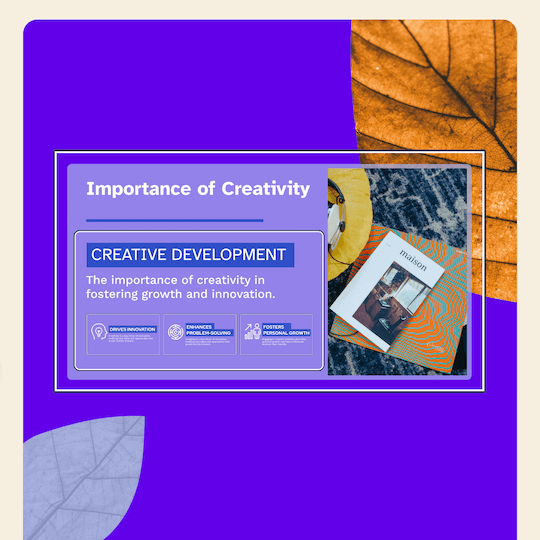
視覺化任何事物
AI 客製化範本讓您有完美的開始。

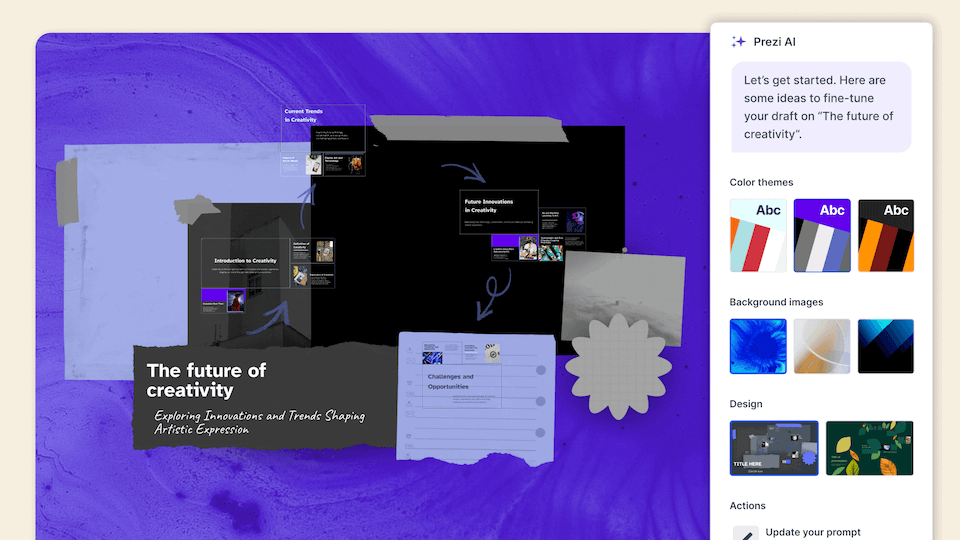
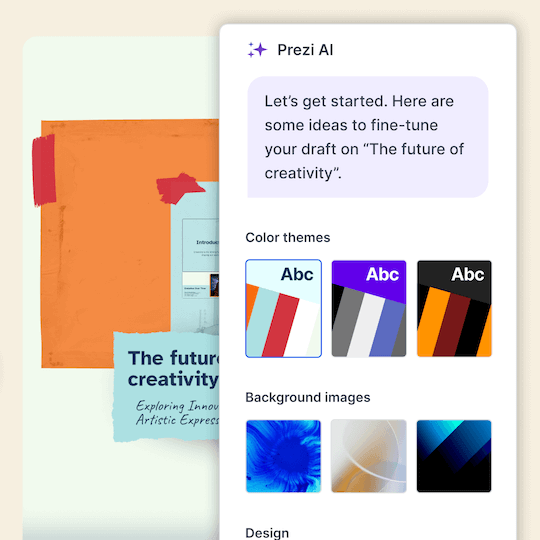

轉換內容
輸入您的提示並獲得完整的簡報。

完美呈現
超過 100 萬張圖片、GIF 和更多內容,幫助您將任何想法視覺化。

精美設計
美觀又易於展示的框架設計。



吸引觀眾
5 人中有 4 人表示 Prezi 在吸引注意力方面更有效。*

可任意順序移動
直接導引觀眾想看的內容。

隨處展示
Prezi Video 讓你和你的內容同時出現在螢幕上。


5 分之 4
表示 Prezi 在吸引觀眾注意力方面更有效。

4 分之 3
會推薦 Prezi 給同事。

91%
表示 Prezi 正面提升了他們的工作成果。
受到了解精彩簡報力量的組織信賴




看看我們的客戶為什麼喜愛我們
根據數百則好評如潮的客戶評論,Prezi 在各行各業中被評為最能吸引注意力的簡報領導者。
AI 優先 簡報的未來已經到來。
常見問題
What is Prezi’s AI presentation maker?
Prezi AI is an AI presentation maker that helps you create a complete, polished presentation from a prompt or uploaded file, like a PDF, PPT, or DOC. It generates a structured draft with suggested slide titles, key points, and design theme so you can move from idea to presentation faster.
Prezi 的 AI 簡報設計工具如何運作?
Prezi's AI presentation designer turns your ideas into polished presentations effortlessly. After entering a prompt or uploading an existing file like a PDF or Word document, Prezi AI generates a complete presentation with customized layouts, frame designs, and visual elements. You can then make final tweaks with our AI image generator and text editor before presenting.
Prezi 可以使用 AI 建立 PowerPoint (PPT) 嗎?
Yes. If you want an AI PowerPoint presentation maker workflow, you can use Prezi AI to draft your presentation quickly and then export or share it in the format your team needs, like exporting to a PowerPoint.
我可以使用 AI 將現有文件轉換成簡報嗎?
Yes. Prezi AI can help you create a presentation with AI from existing content. Add a prompt or upload content, and Prezi AI generates an outline and slide-by-slide draft with layouts and visuals you can refine. You stay in control and can edit text, reorder slides, and adjust design before presenting.
Prezi 是免費的 AI 簡報工具嗎?
Yes, Prezi is available as a free presentation software with AI-powered features included. If you want unlimited access to Prezi AI, you can try a free trial or upgrade to a paid subscription. No matter which subscription you choose, you will be able to present with Prezi's unique format that makes content more engaging and memorable.
Prezi 與其他 AI 簡報生成器有何不同?
While most AI presentation tools force your content into generic templates, Prezi AI takes a smarter approach. Based on your unique content, Prezi AI generates a presentation with custom design, colors, and images specifically tailored to your message, no templates required. Your content provides all the direction needed to create a truly personalized presentation.
我可以使用 Prezi AI 建立哪些類型的簡報?
With Prezi AI, you can create presentations for work, school, and personal projects, including pitch decks, reports, lessons, and slide presentations. If you are looking to make a presentation with AI for work or school, Prezi AI can help you draft faster and present more effectively.
Prezi AI 是否能協助投影片結構和演講重點?
Yes. Prezi AI helps with the parts that take the most time, like organizing ideas into a logical flow and creating a consistent design.
我可以編輯 AI 生成的簡報嗎?
Absolutely. Prezi AI creates a draft, but you can fully edit it. Update the text, rearrange slides, and tailor the visuals so the final result matches your brand, audience, and goals.
Prezi 適合用於為團隊建立 AI 簡報投影片嗎?
Yes. Prezi works well for collaborative workflows where multiple people need to review, refine, and align on messaging. If you’re looking for an AI presentation software that keeps presentations consistent across your organization with shared collaboration features and team-friendly controls, Prezi for Teams is an ideal solution.
我應該在提示中包含哪些內容才能獲得最佳的 AI 簡報結果?
.For the best results, include your audience, goal, topic, tone, and any must-have points. Example: “Create a 10-slide deck for mid-market HR leaders about onboarding software, highlight three benefits, include a comparison slide, and a strong CTA.” For even more prompt examples, you can explore our AI prompt library to get inspired.
Prezi AI 適合剛接觸簡報設計的初學者嗎?
Yes. Prezi AI is built to help beginners get a high-quality first draft quickly, with suggested structure and slide content. It reduces the time spent figuring out what to say and how to organize it, so you can focus on accuracy and delivery.